
I wanted to hold an arch over a route, turn it and inspect the opening before deciding where it belonged. Selecting the asset should start that experiment, without immediately adding something to the map.
I changed Map Studio so choosing an asset prepares it for placement. Moving the pointer into the scene shows a green preview with coordinates. That preview uses the same position, surface alignment and rotation as the object that will be placed. Clicking confirms the arrangement you can already see.
Trying a placement and reversing it
The recorded interaction test uses a sandstone arch. It first checks that showing the preview leaves the map unchanged, then rotates the preview by a quarter turn and places it. Undo removes the edit and redo restores it. Repeating placement creates separate copies, so moving one later does not mean that every click had accidentally referred to the same object.
Cancellation and invalid placement needed their own checks. Escape must leave nothing behind. Clicking into the sky must not place an object at the last valid cursor position, somewhere the author is no longer pointing. These cases are easy to miss in a screenshot of the successful path.
The controls follow that sequence: R rotates the preview, Escape cancels, and Shift-click places a copy while keeping the tool active for another. An ordinary placement returns to selection mode, with the object's handles and inspector ready for adjustment. Showing the grid and snapping to it are separate settings. A height offset lets you raise the preview above the surface instead of forcing it to sit directly on it.
Keeping your place as the camera changes
An author often needs another viewpoint before committing an object. I checked right-mouse camera look and switching between perspective and top view. In the retained test, returning from top view restored a perspective image that was pixel-identical to the one before the switch. That gave me a concrete check that changing views had not lost the camera position I was working from.
The screenshots and interaction record show these actions running in the native editor. They establish that an edit could be previewed, made and reversed; they do not establish that the resulting doorway makes a balanced map. That decision still comes from trying the route. The editor's job in this pass was to make trying another position straightforward.
Preview it. Then put it down.
Retained screenshots from the same native editor interaction show a sandstone arch before and after placement. The preview is a decision the author can still cancel.
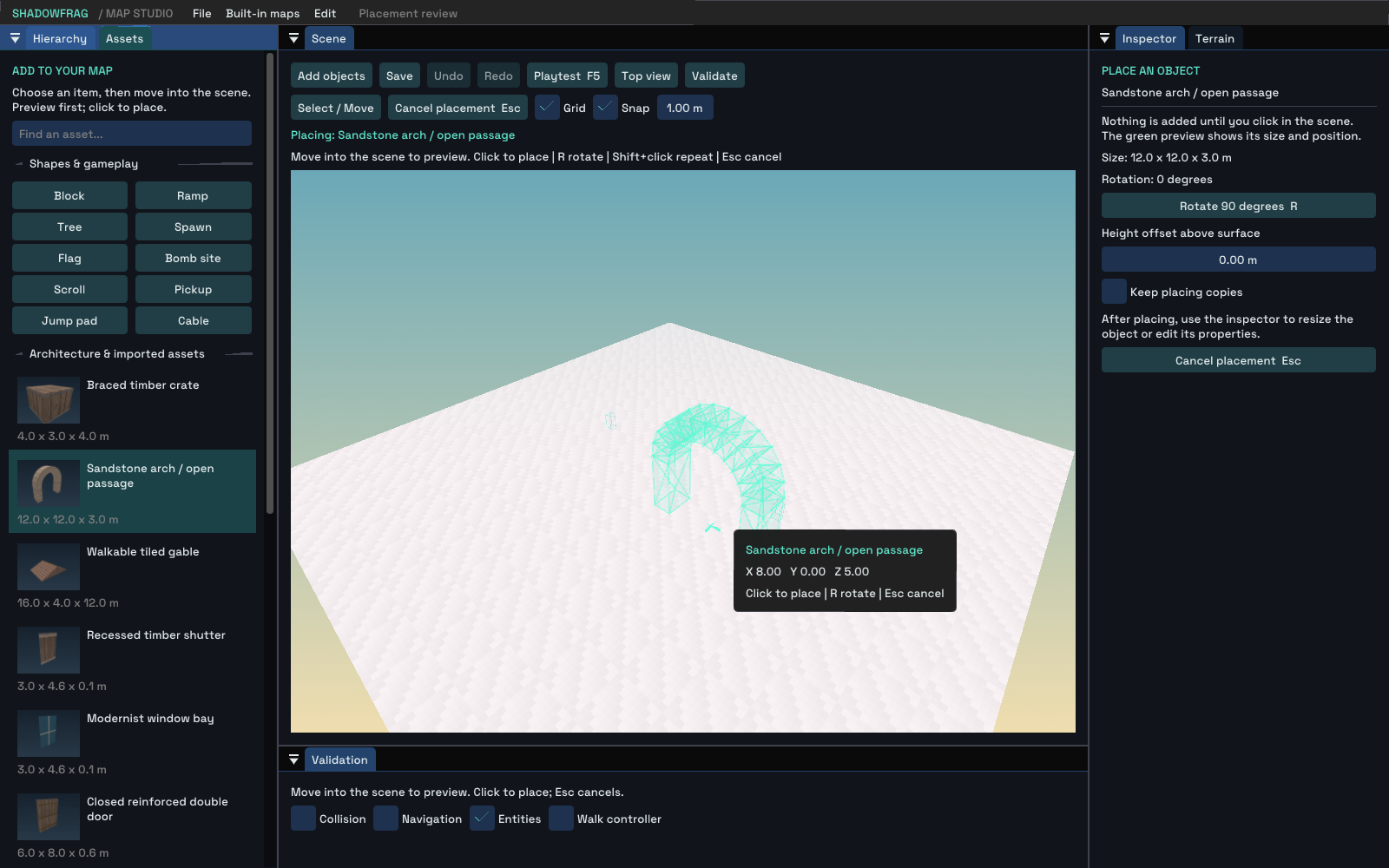
A translucent arch follows the placement point before the map changes.
Original PNG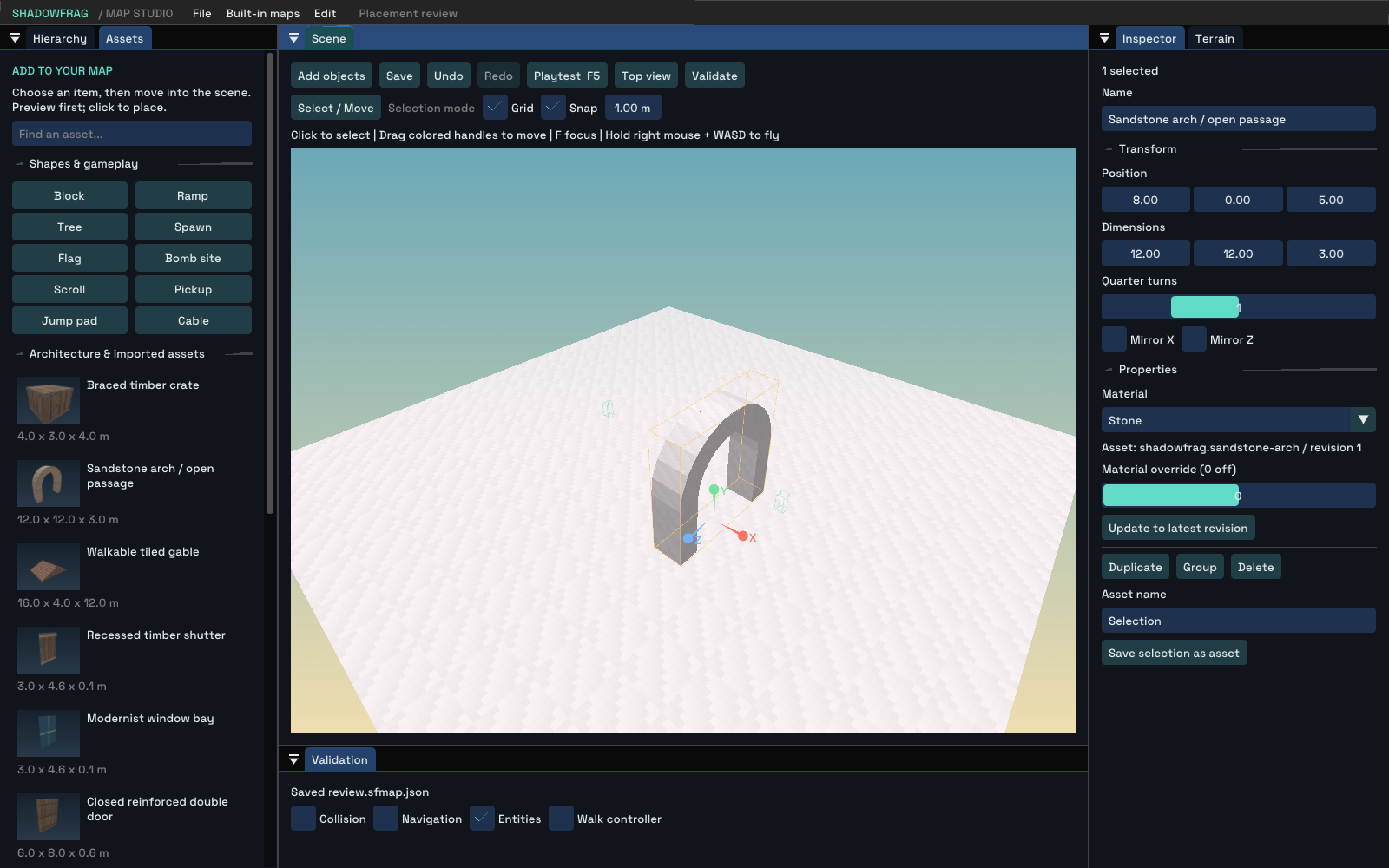
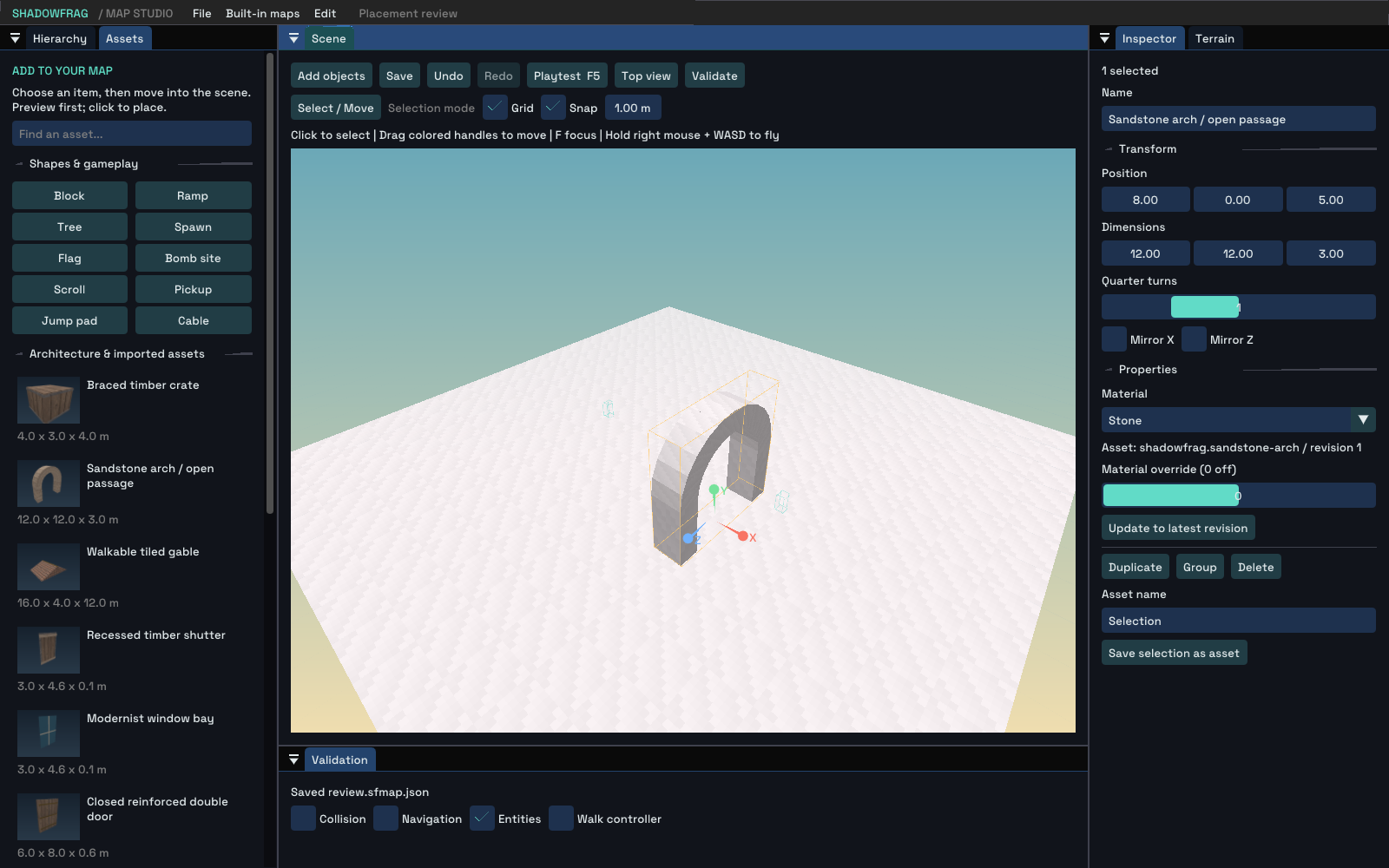
After placement, the solid arch becomes a selected map object with editable properties.
Original PNGStill-image archive dates come from retained image file timestamps in Los Angeles time. An earlier-dated article may include later builds; each image is dated separately. Images are genuine engine or native-editor output. Download sources, transforms and SHA-256 hashes.